iSpring Suite AI Review
Hi everyone, Belinda and Matt here from Bolde Learning!
We recently got our hands on iSpring Suite AI, a brand-new course authoring tool from the team at iSpring. To put it through its paces, we decided to run a head-to-head challenge: Belinda built a course starting from an existing Word learner guide, while Matt created one completely from scratch using AI text prompts
Here’s a look at what we learned, how the platform performs, and how it can streamline your e-learning workflow.
1. Transforming Existing Materials into AI Courses
For our first test, Belinda uploaded a pre-existing Microsoft Word document straight into the iSpring Cloud dashboard.
Automated Extraction: The AI automatically parsed the document and extracted the topic, target audience, course goals, and learning objectives.
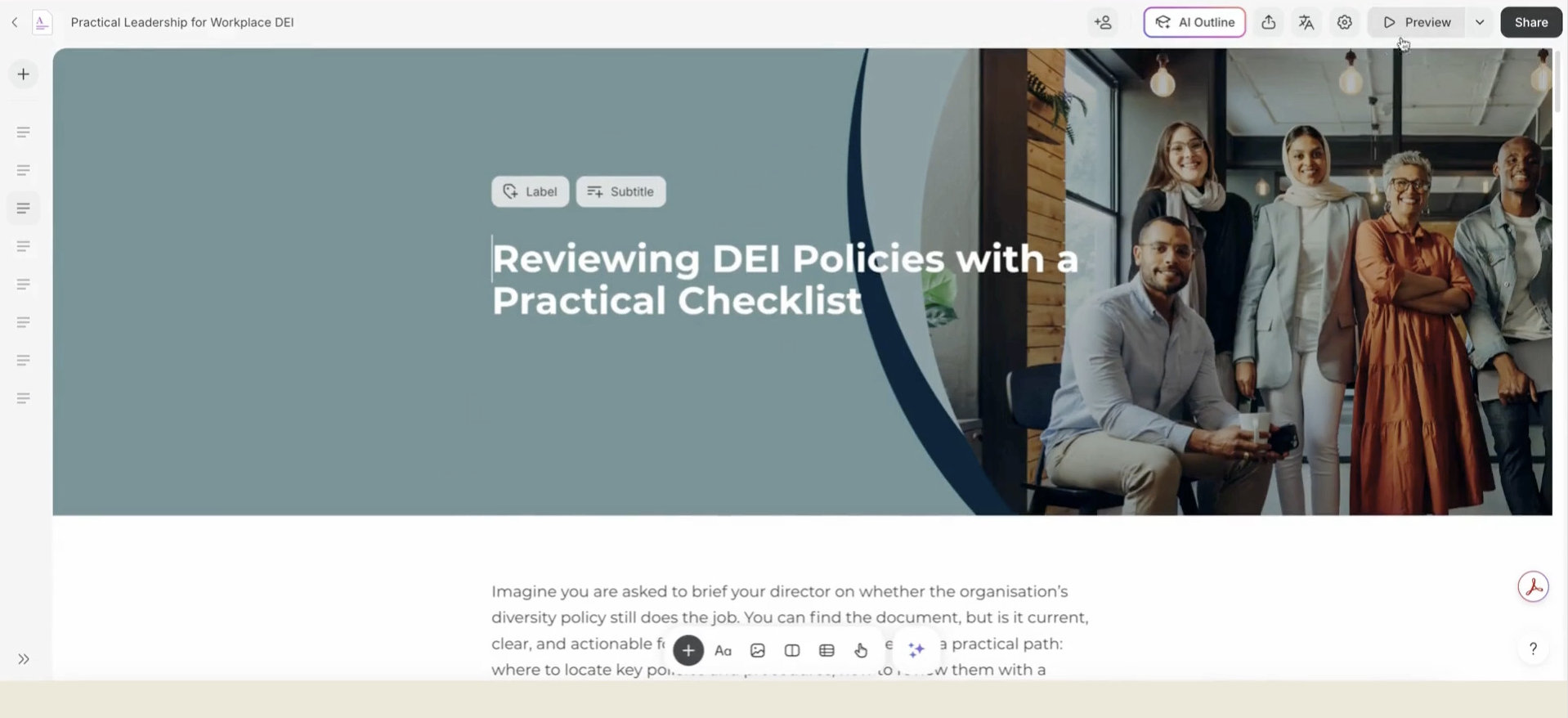
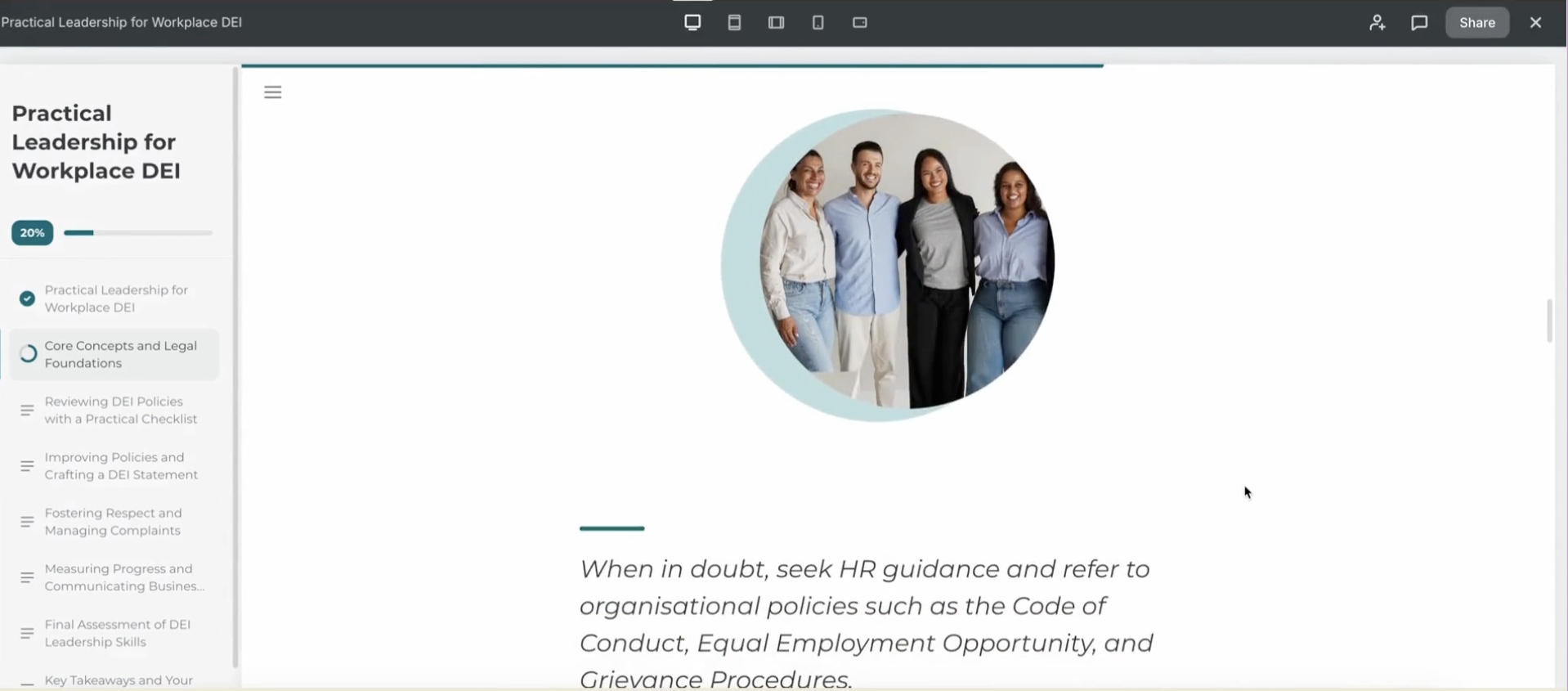
Modern Scroll Layout: Instead of rigid, traditional slides, iSpring generates a clean, responsive scroll layout that feels modern and user-friendly right out of the box.
2. Transforming Raw Text into Interactive UI Components
We didn't want a course made up of plain text, so Belinda explored how quickly you can elevate basic copy into engaging learning components.
Custom Branding: We easily uploaded custom banners designed in Canva and applied our specific brand hex colors and custom fonts across the whole course theme.
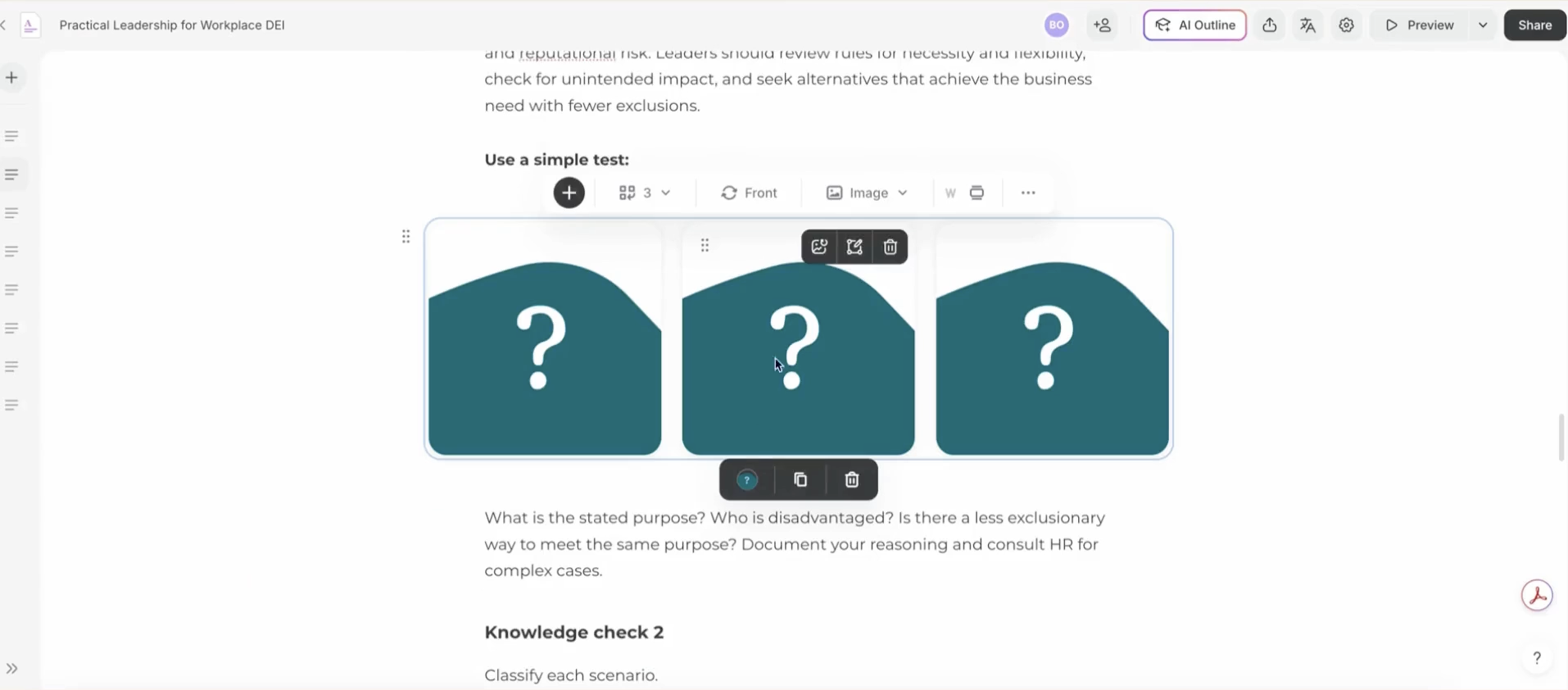
Interactive Flip Cards & Tabs: Heavy sections of text (like definitions of direct and indirect discrimination) were quickly turned into interactive tabbed views or custom flip cards with question-mark cover images.
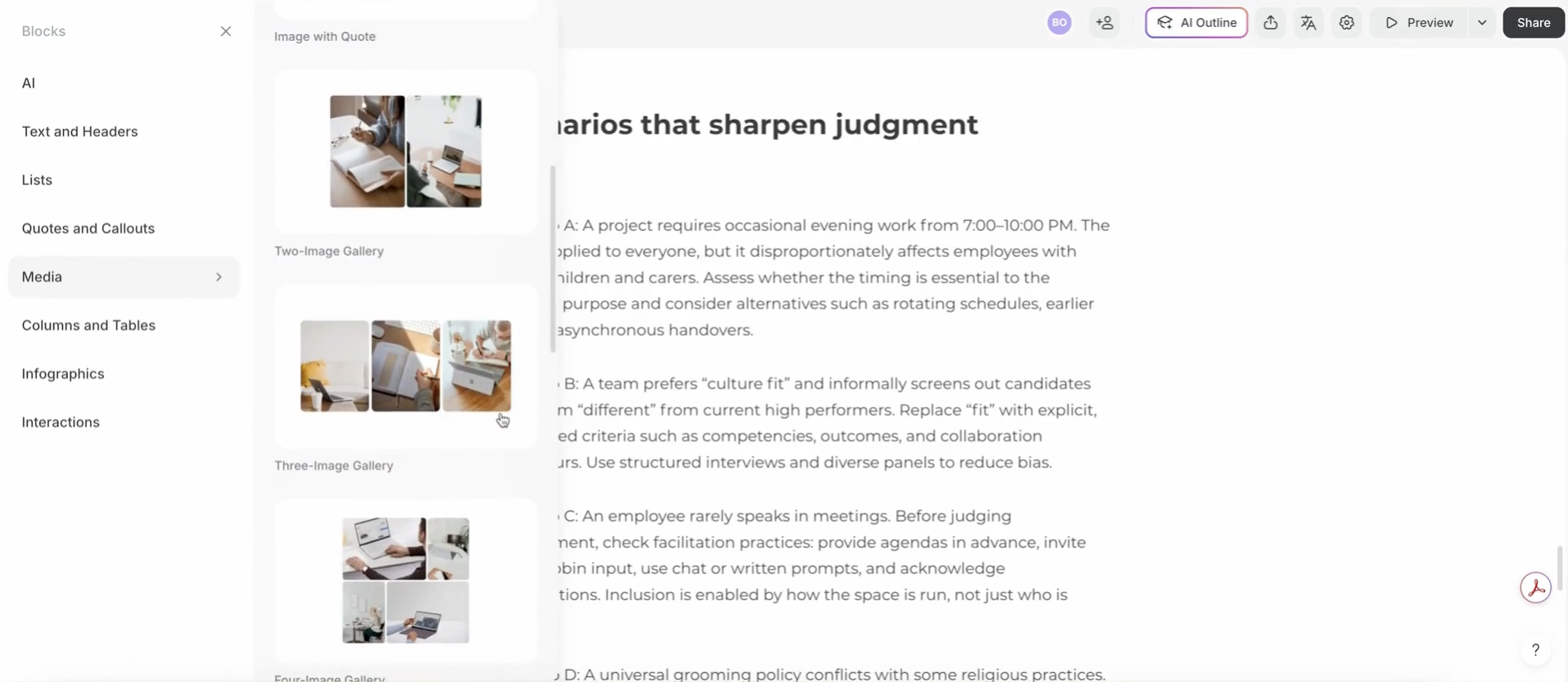
Block Library: The platform includes an impressive range of customizable blocks—from multi-column tables and media galleries to styled quote callouts, expandable timelines, and statistics infographics.
3. Building Courses from Scratch with Prompting
Next, Matt tested how well the platform handles a course created entirely from a short prompt, focusing on Cybersecurity for Small Businesses.
Guided Module Breakdown: The AI outlines titles, descriptions, and learning modules step-by-step.
No AI Black Box: What we loved most is that it doesn't just spit out a finished course all at once. It guides you through each stage so you can review content, adjust writing styles, and ensure accuracy before generating the next part.
4. Built-in AI Tools: Images, Audio, and Quizzes
One of the biggest workflow upgrades in iSpring Suite AI is having key creative tools built right into the editor—eliminating the need to juggle external apps.
Other features include:
-
Matt generated custom imagery right inside the platform using descriptive prompts and visual styles like pixel art. With the integrated image editor, you can annotate visuals with markup arrows or convert generated images directly into interactive labeled graphics with clickable hotspots.
-
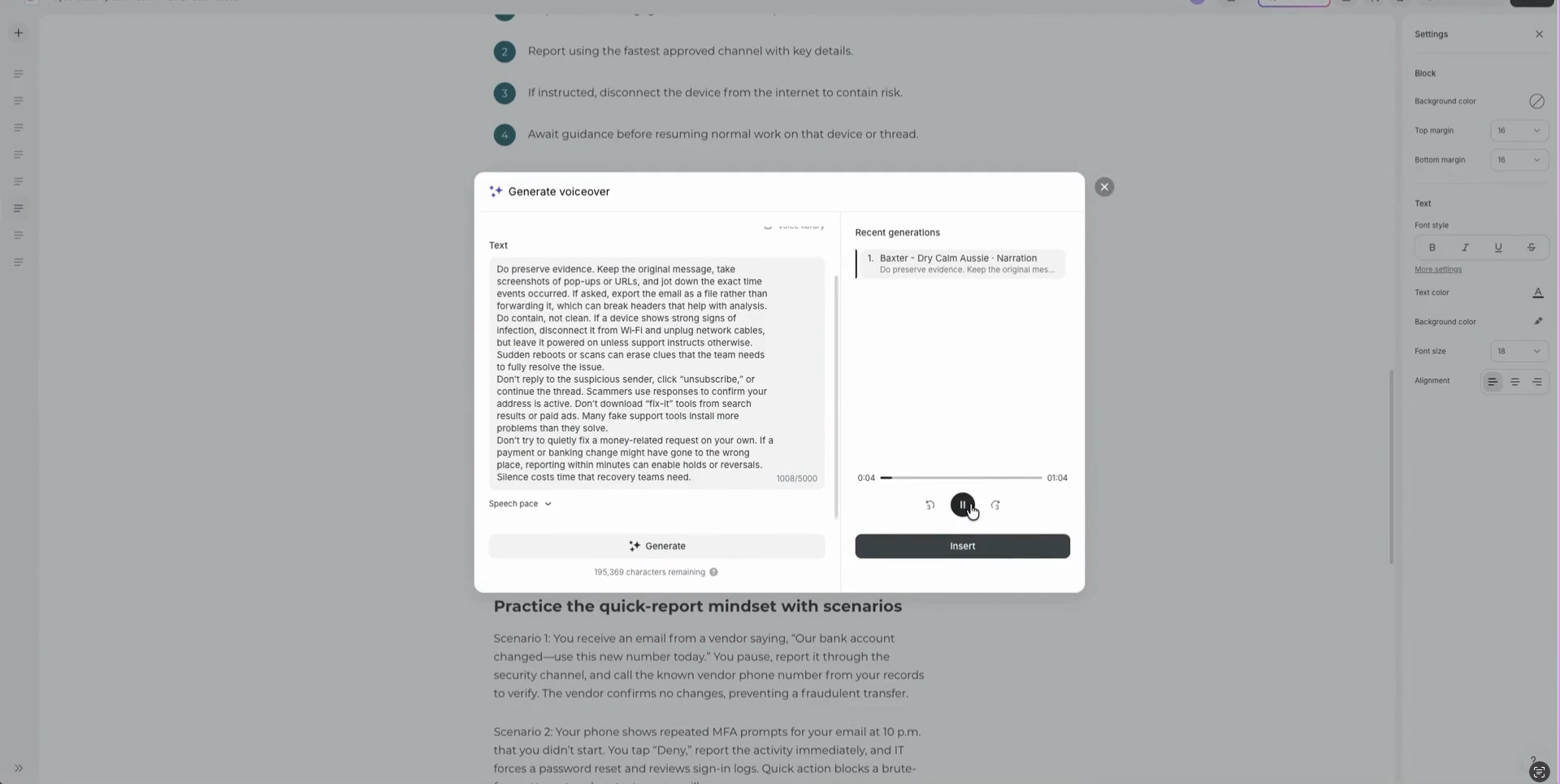
Instead of exporting scripts to external tools like ElevenLabs, we used the built-in AI voice generator. You can select different voices (including a natural-sounding Australian voice named Baxter!), adjust the speech pace, and embed an interactive audio player directly onto the page.
-
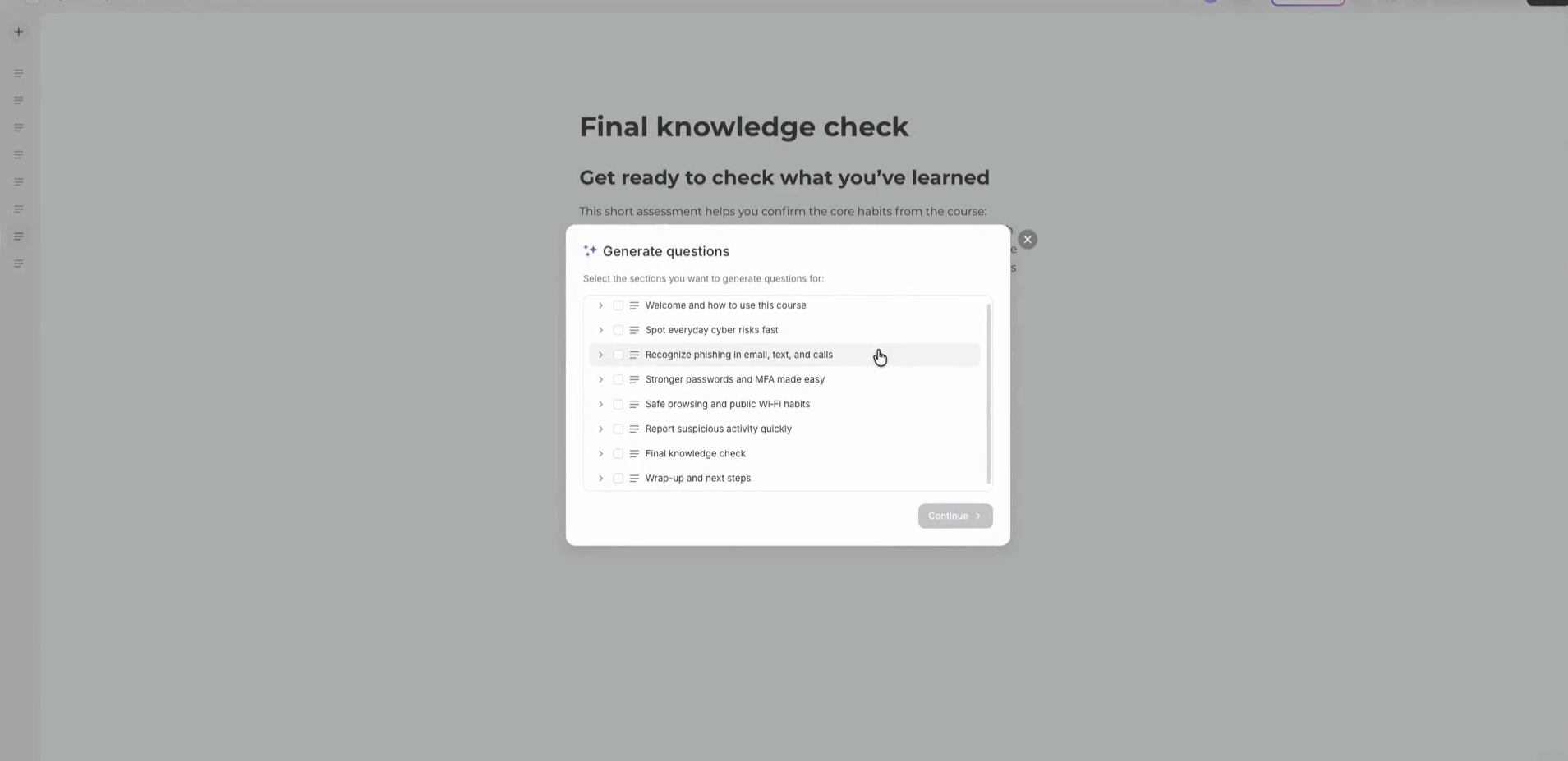
List items can be converted into accordion interactions with a couple of clicks. Additionally, the AI can analyse your content to automatically generate multi-question knowledge check quizzes complete with balanced answer choices and styled feedback screens.

Our Final Verdict
Overall, we were really impressed with iSpring Suite AI.
Unmatched Speed: Reorganising content blocks, updating themes, and tweaking interactive elements is significantly faster than in traditional desktop authoring tools.
Smooth & Reliable: We didn't experience bugs or slowdowns during our build process, making it a very solid platform to work in.
Puts the Creator in Control: Rather than taking over completely, the AI acts as a guided copilot. You retain full control over quality, tone and subject matter accuracy.
We’ll definitely be incorporating this tool into our client workflows moving forward! If you want to try iSpring Suite AI for yourself, check it out here.
Check out our full step-by-step video review and demo on YouTube: iSpring Suite AI Review - AI Course Creator.