How to Create Cohesive, Branded Slides for Your Next Workshop (includes free PowerPoint Template)
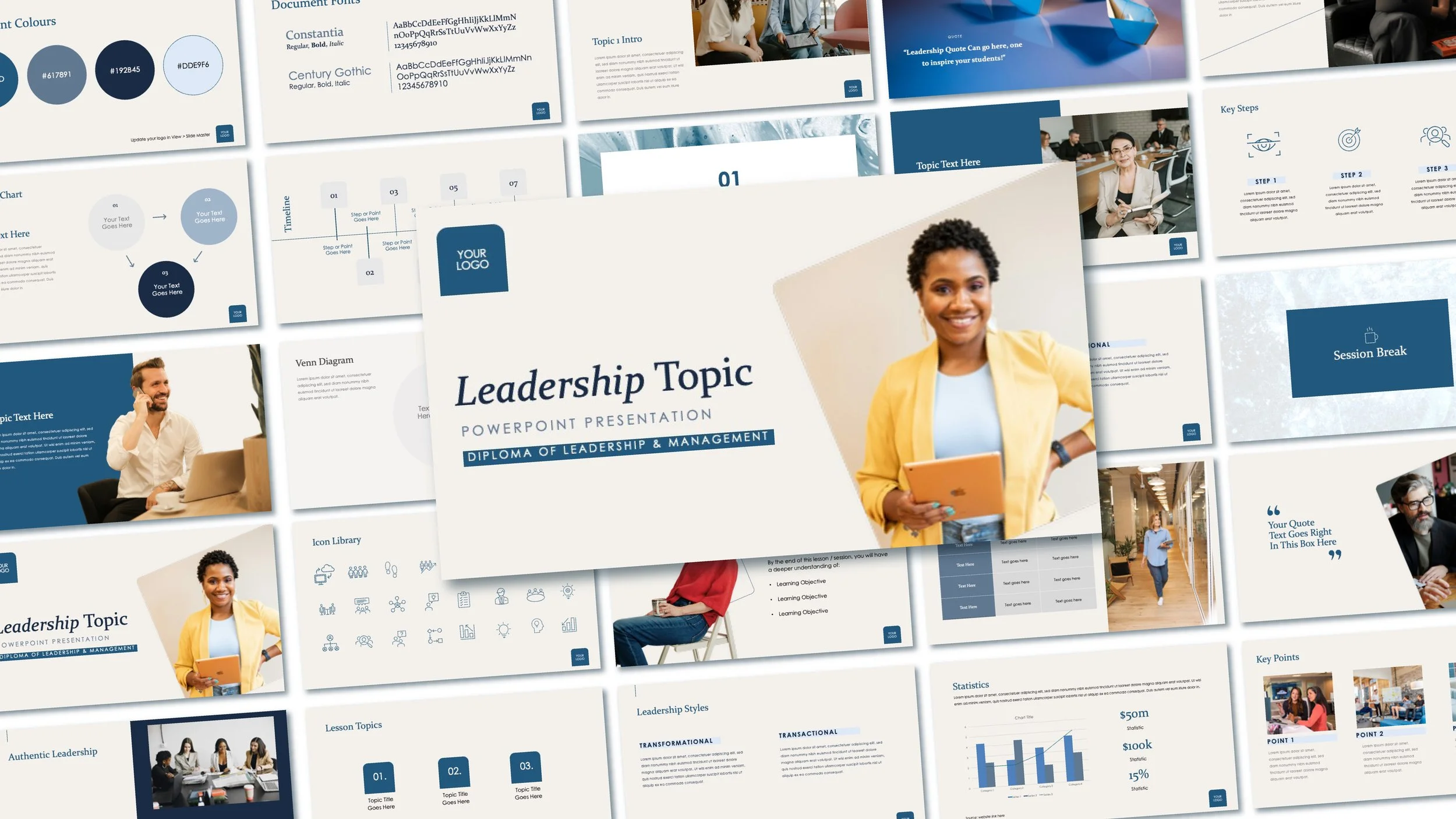
Designing training materials from scratch is exhausting. You have the subject matter expertise, but spending hours wrestling with column widths, picking hex codes and aligning icons is a massive drain on your time.
Every corporate trainer and educator has been there: you have a deep understanding of leadership strategy, your lesson plan is solid and you know exactly what your students need to learn. But instead of focusing on teaching, you find yourself stuck spending hours wrestling with PowerPoint alignment tools, trying to make charts look uniform and hunting down high-quality visuals.
When you are delivering a high-caliber curriculum like such as leadership training, your visual materials need to reflect that standard. Low-quality, outdated slides don't just look unprofessional; they active detract from your authority in the room and make it harder for adult learners to stay engaged.
The Blueprint for High-Engagement Training Materials
To solve the slide-design bottleneck, training materials need to be built around the specific way leadership concepts are taught. A truly functional layout shouldn't just be pretty—it needs to map directly to your lesson plan.
Here’s a structured, streamlined presentation framework to solve the most common training delivery pain points:
Accelerated Lesson Setup: Dedicated, clean layouts for Learning Objectives and Topic Breakdowns ensure your audience immediately understands the roadmap of the session.
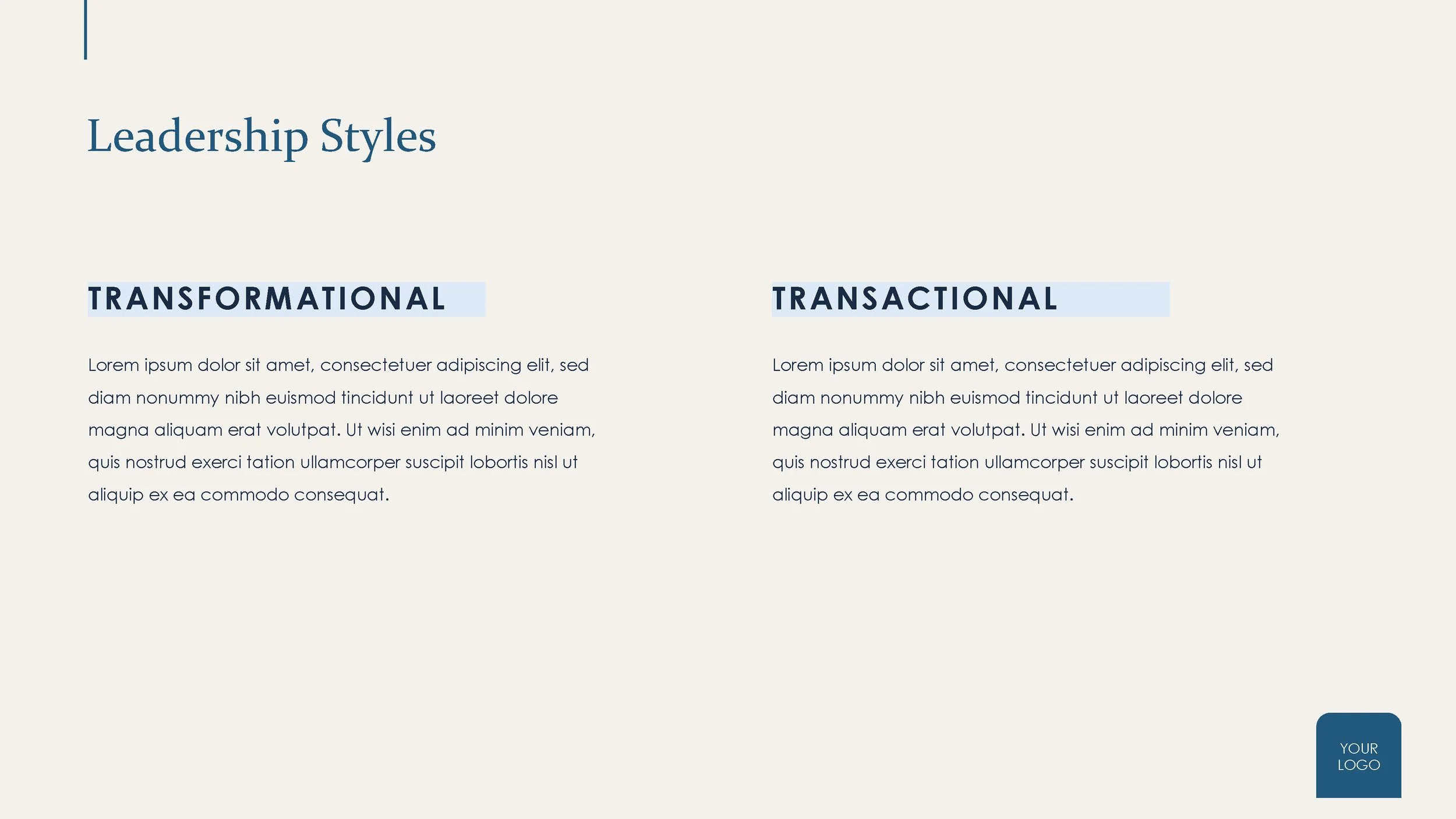
Visualising Complex Frameworks: Instead of dense bullet points, core concepts like Leadership Styles (Transformational, Democratic, Situational, etc.) are mapped out in pre-formatted comparative layouts that make theories easily digestible.
Built-in Engagement Breaks: Slide spaces specifically designed for Quotes, Session Breaks, and structured Case Studies act as visual cues to pause, reset and keep students participating.
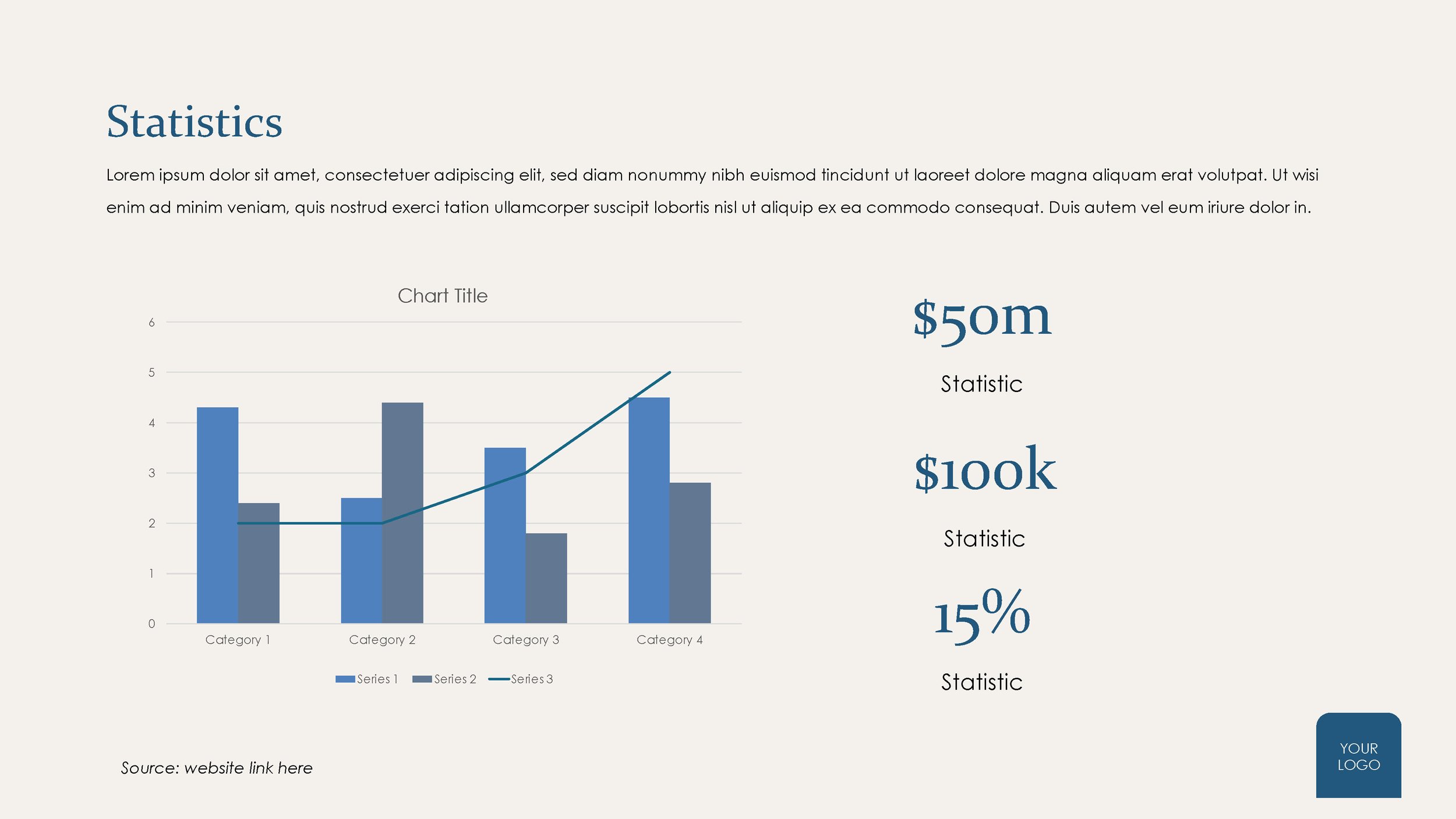
Data Without the Clutter: Clean Process Charts, Venn Diagrams and data tables allow you to present metrics and organisational timelines clearly without having to build graphics from scratch.
To help you deliver your next workshop effortlessly, we’ve built a completely customisable Diploma of Leadership & Management PowerPoint Presentation Template and for a limited time, you can grab it for your toolkit - absolutely FREE.
Free Template
〰️
Free Template 〰️
A Closer Look Inside the Template
This isn't a generic template with three repetitive slide layouts. It has been built specifically around modern corporate training needs, featuring clean modern typography (Century Gothic and Constantia) and an elegant professional colour palette.
Here is what is fully mapped out and ready for your content: (Click through the carousel of images below)
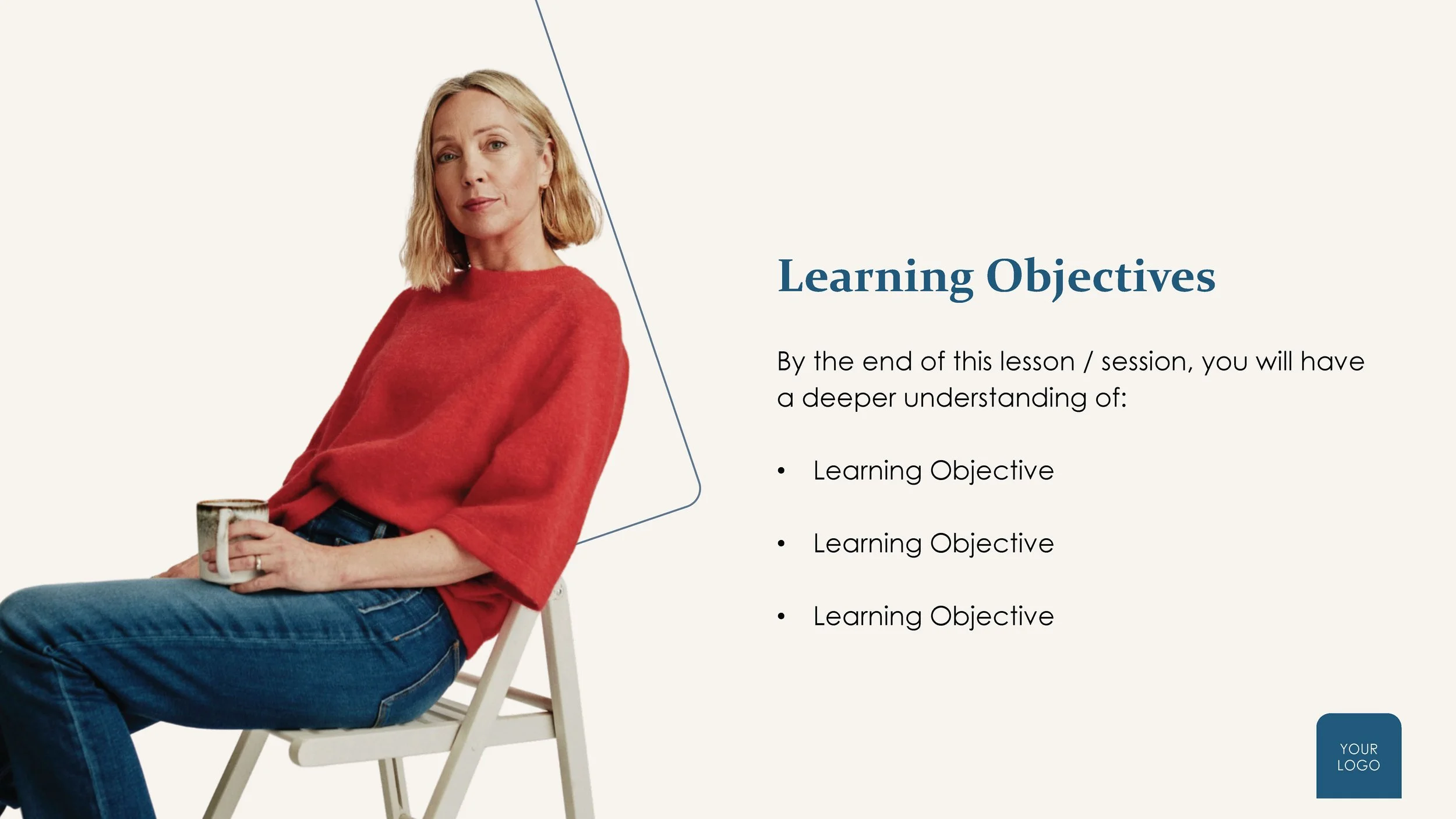

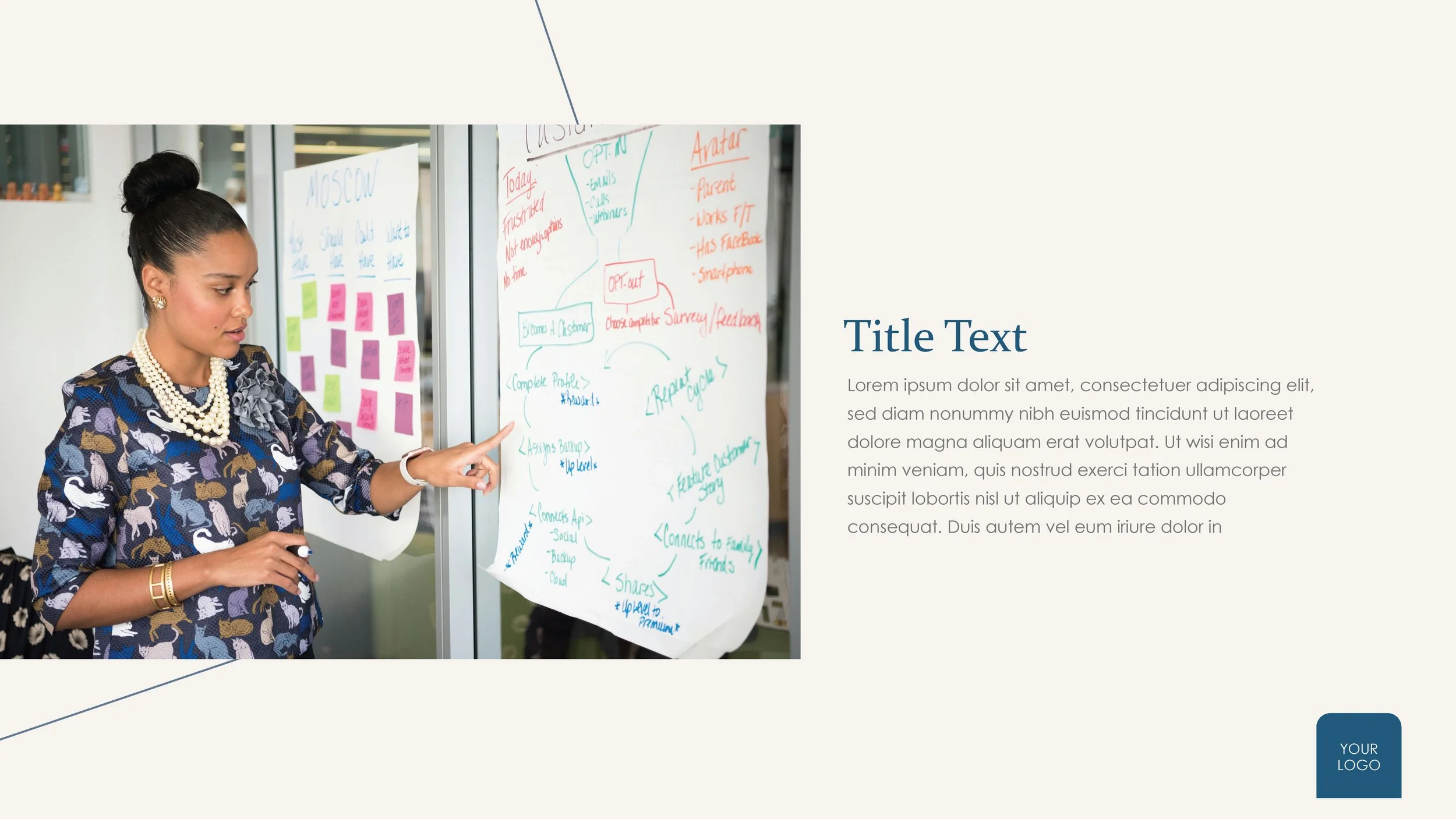

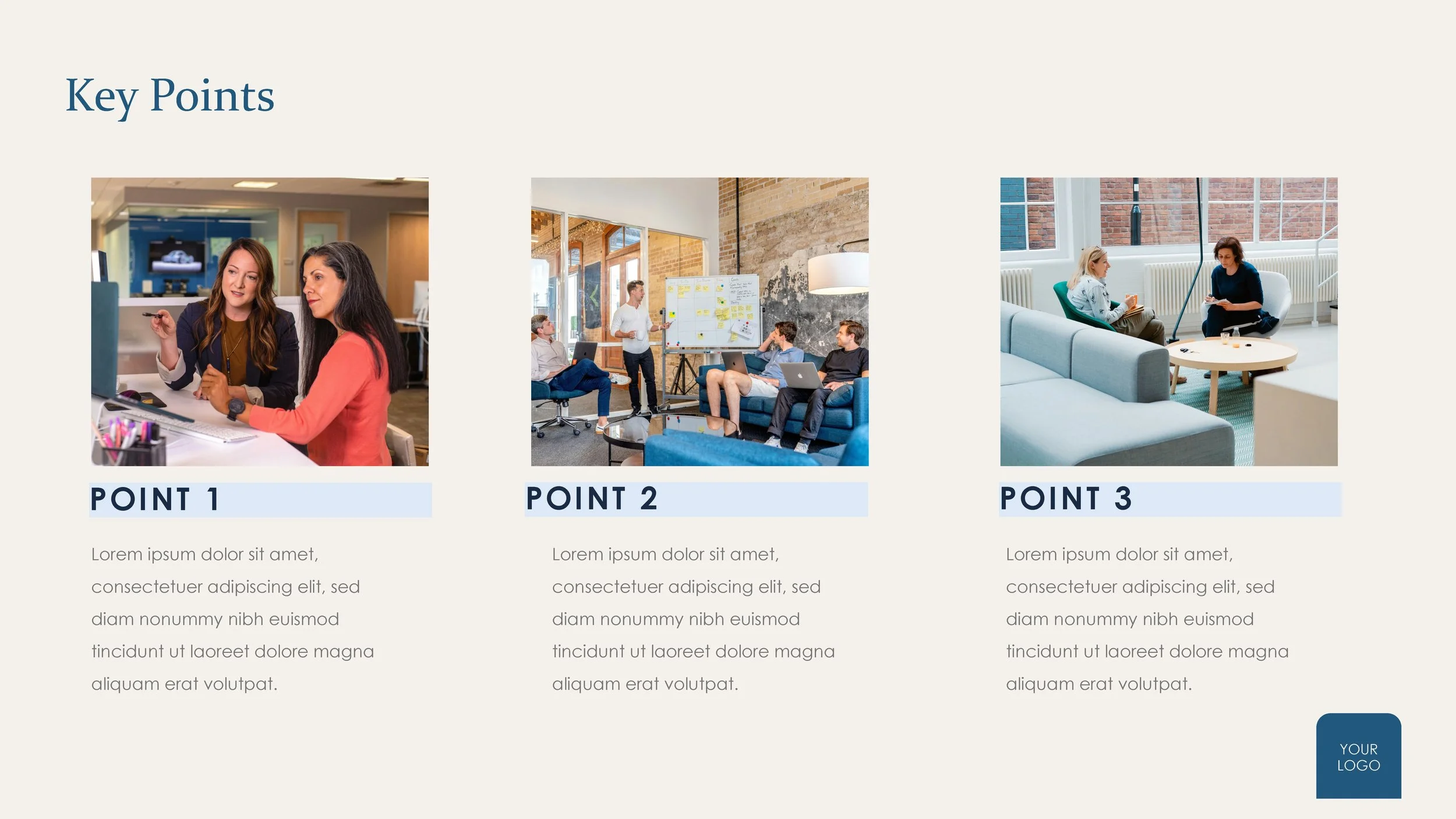
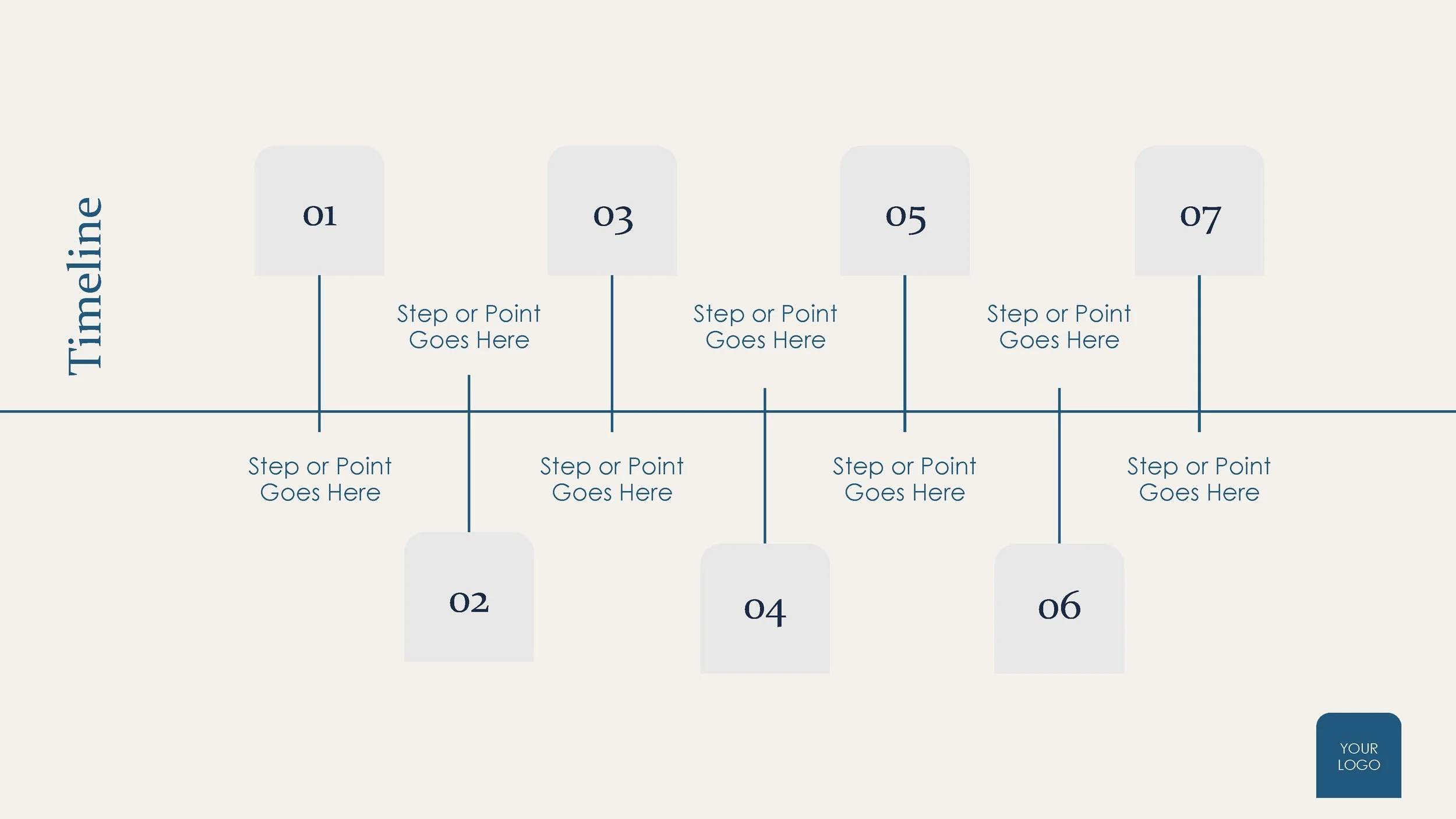
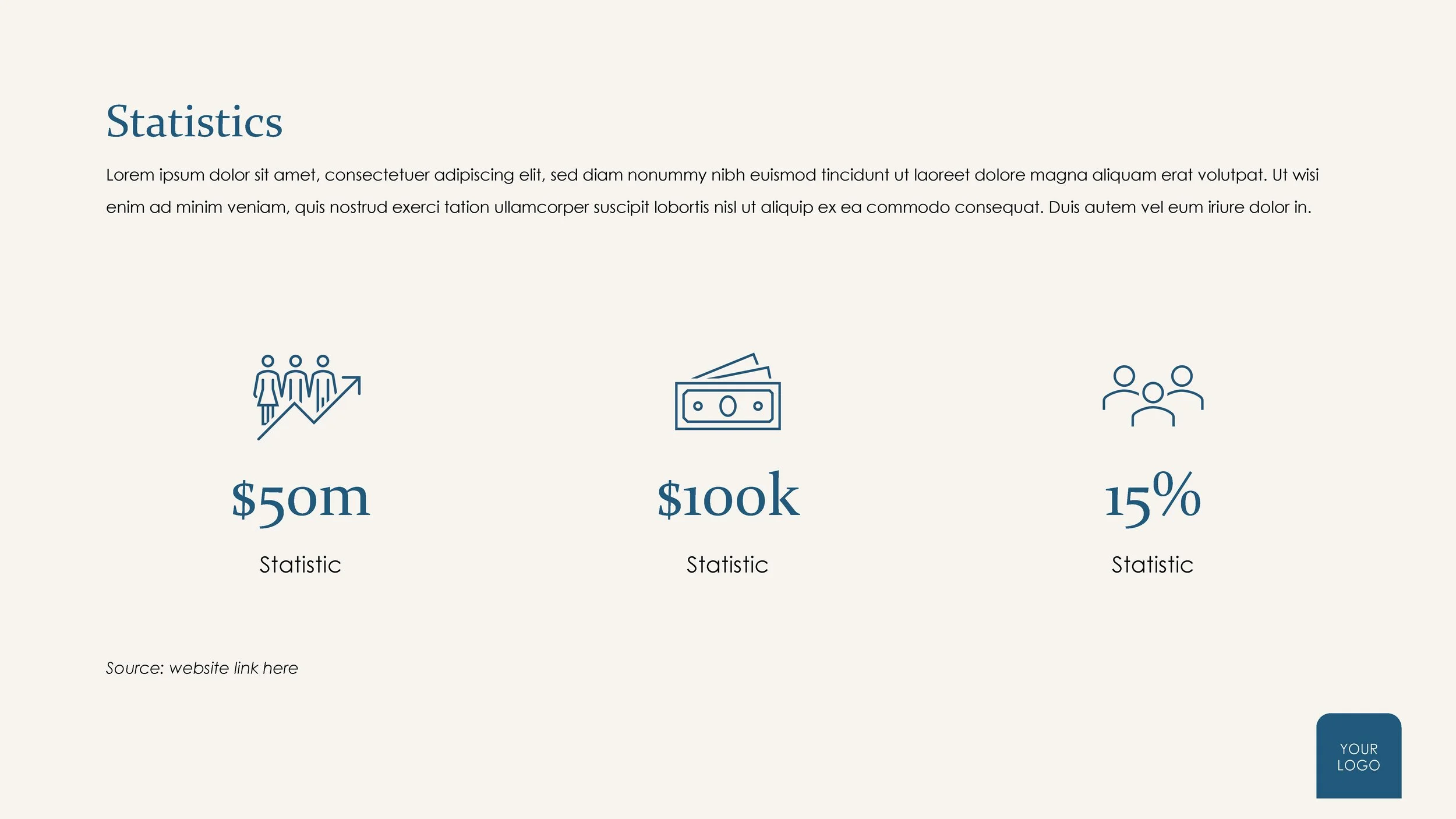
Structured Modules: Pre-made layouts for Learning Objectives, Lesson Topics and Topic Introductions.
Deep-Dive Frameworks: Beautiful custom graphics to explain complex models
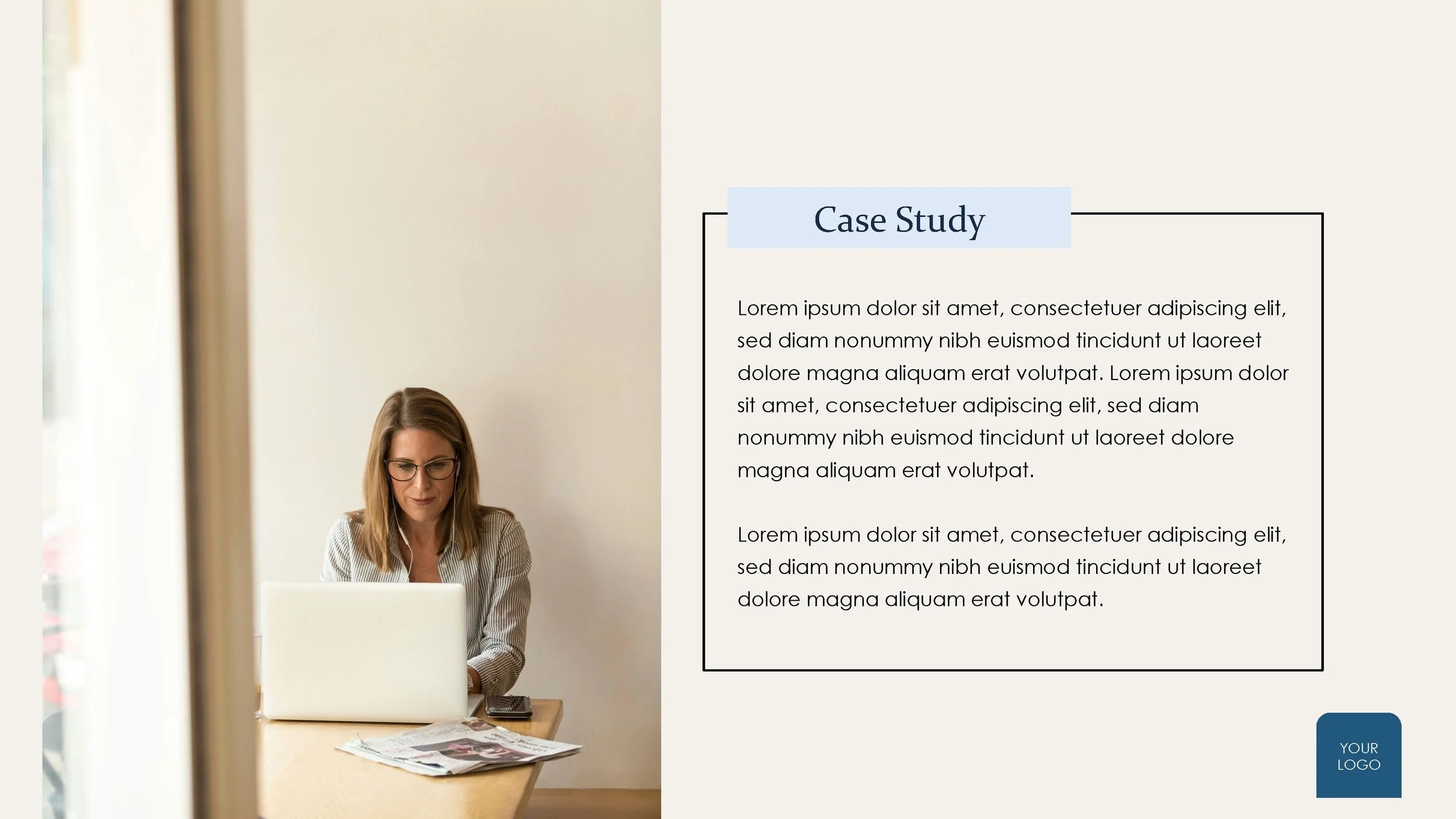
Interactive Elements: Dedicated slides for Quotes, Session Breaks, Activities and detailed Case Studies.
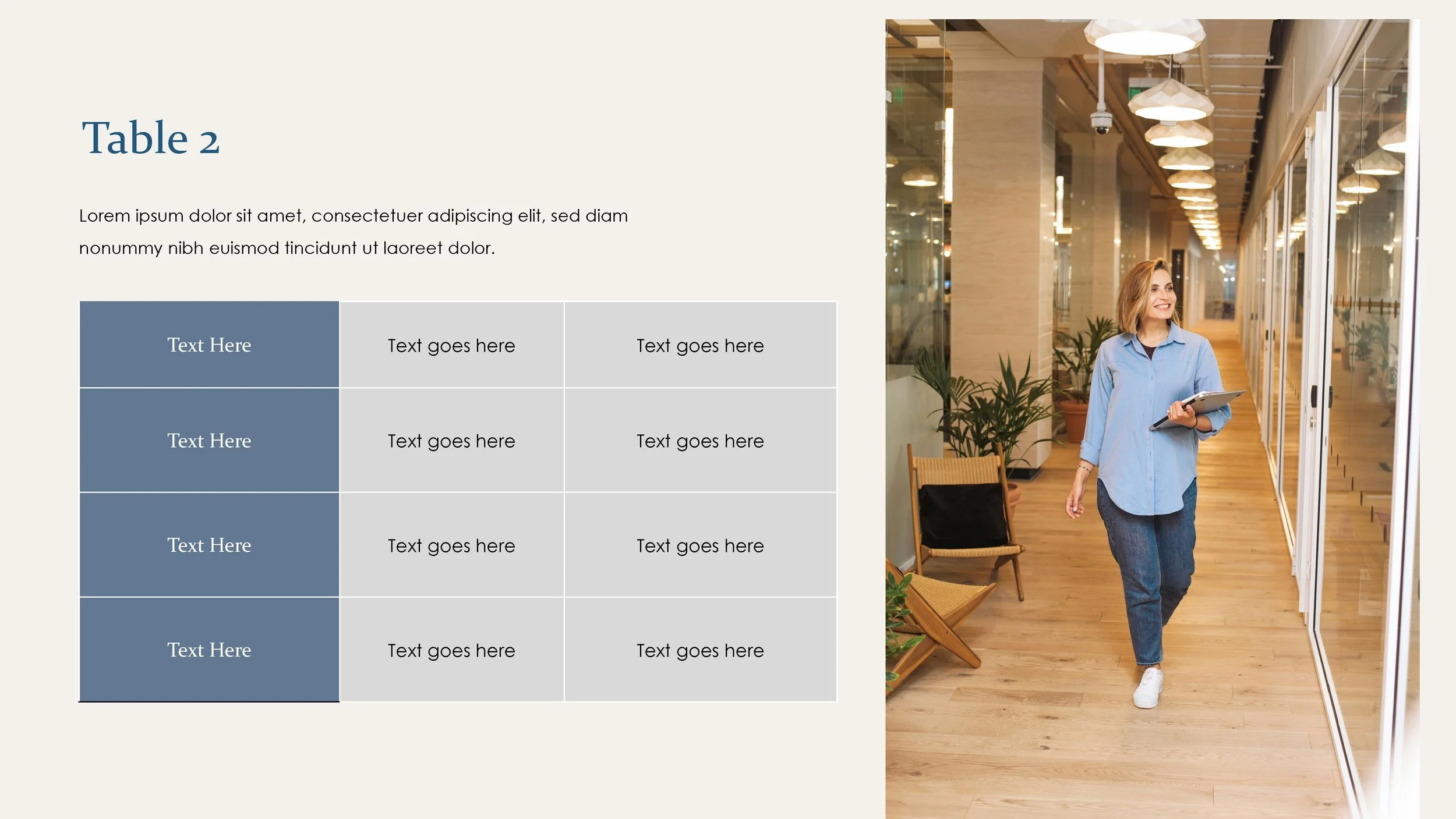
Data & Logistics Layouts: Highly visual Process Charts, Venn Diagrams, Timelines and data comparison tables.
Bonus Icon Library: A built-in asset library so you can swap out graphics perfectly inline with your text.
💡Trainer Tip: Want to match your corporate, RTO or university branding? You can instantly swap out the placeholder logos and update global colours globally by opening View > Slide Master.
Bypass the Design Phase Completely
You shouldn't have to choose between saving time and delivering a polished, high-end presentation. To help take the design burden off your plate so you can focus entirely on facilitation, you can download this complete, fully customisable PowerPoint template. We want to get this premium asset into the hands of educators who need it most.
How do I get this template?
Join our inner circle of corporate educators and leadership experts. Drop your email below to subscribe to our newsletter, where we share templates, tips and industry news. Click download button and you’ll immediately have access to the download link for free.